This section lists common issues you might encounter during your Online Upgrade, which may be related to runtime issues and redundancy connectivity.
I cannot make my redundant servers communicate and I keep getting the hardware alarm “Redundant Server not found”.
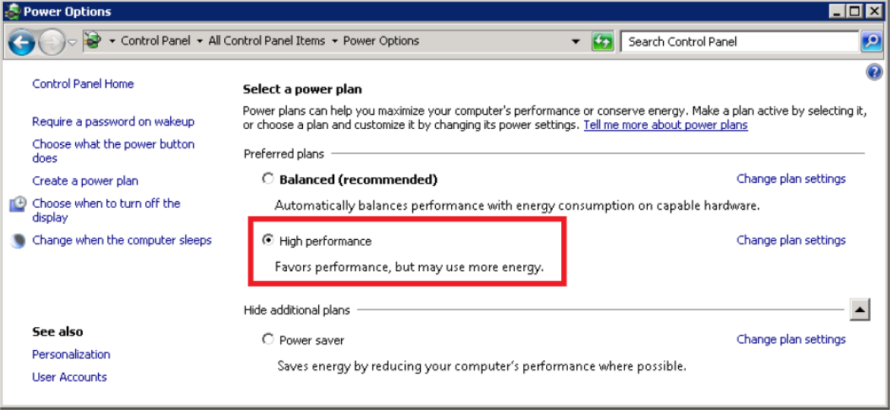
Check your system’s power options: Control Panel | All Control Panel Items | Power Options.
After finalizing the upgrade process and confirming that runtime is fully functional, we recommend removing or updating the following .INI parameters. You will need to restart the servers after changing the parameters for the changes to take effect.
It is important to note that after removing the EarliestLegacyVersion parameter, the next time you change your user’s passwords, you should change all the passwords on one server, and then roll out the updated project in the same order in which you conducted the online upgrade (primary server, clients and then standby server). Refer to KB article Q7865 for more information.
Published June 2018